Maqam · Accessories

Everything you need to connect.

These are the exact adapters and cables we use with Maqam on stage — tested at real gigs. Every item has a buy link.

The Rigs

This is how it all connects.

MAQAM +2 Genuine Apple adapter USB hub 2× MIDI-USB cables
MAQAM +2 USB-C hub — no Apple adapter 2× MIDI-USB cables
BrayerSound MAQAM OK MTB-22 Bluetooth MTB-22 Bluetooth Zero cables

iPhone → genuine Apple adapter → USB hub → two MIDI-USB cables → two organs at once.

Wireless — Bluetooth MIDI

Zero cables between the phone and the keyboards. One adapter per keyboard — playing two keyboards? Get two.

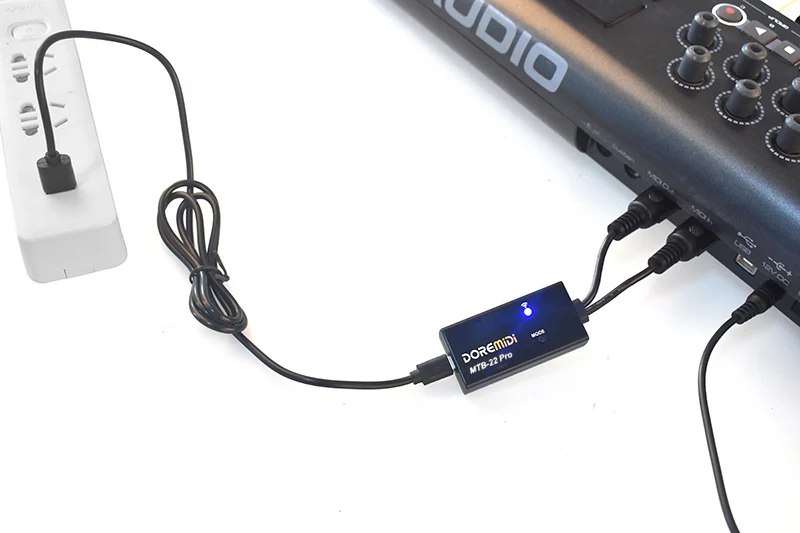
DOREMiDi MTB-22 Bluetooth MIDI adapter plugged into a keyboard's MIDI ports, blue LED on iPhone + Android

DOREMiDi MTB-22 — Bluetooth MIDI adapter

Plugs into the keyboard's round MIDI sockets and talks to the phone over Bluetooth — no cable at all. Works on every keyboard with 5-pin MIDI, on iPhone and Android.

💡 On the keyboard, turn Clock Send OFF (your model's setup guide shows where) — and set the adapter to its blue (BLE) mode.
Wired — phone to keyboard over USB

The most reliable connection. Android needs no special adapter — any simple USB-C hub does the job. iPhone must use Apple's genuine adapter.

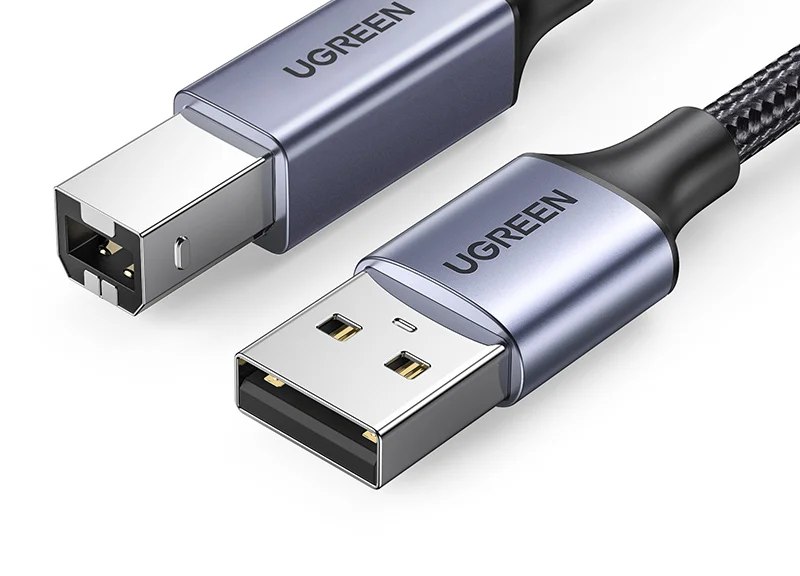
USB-B to USB-A cable — the square plug goes into the keyboard iPhone + Android

USB-B cable (the "printer" cable)

Most arrangers have a square USB-B socket for MIDI — this is the cable that goes into it. Get a short one with good shielding; the cheapest ones can lose data mid-song.

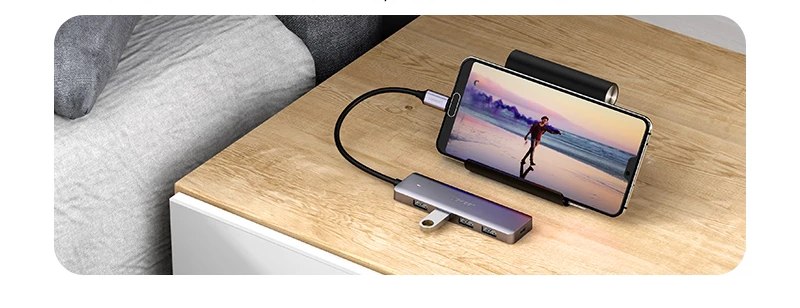
Android phone connected to a USB-C hub on a table Android

USB-C hub / splitter — for Android (no Apple adapter)

Android needs no special adapter: any simple USB-C hub works. Plug the keyboard's USB cable into the hub and the hub into the phone. Two keyboards? Plug in both cables — Maqam drives both at once.

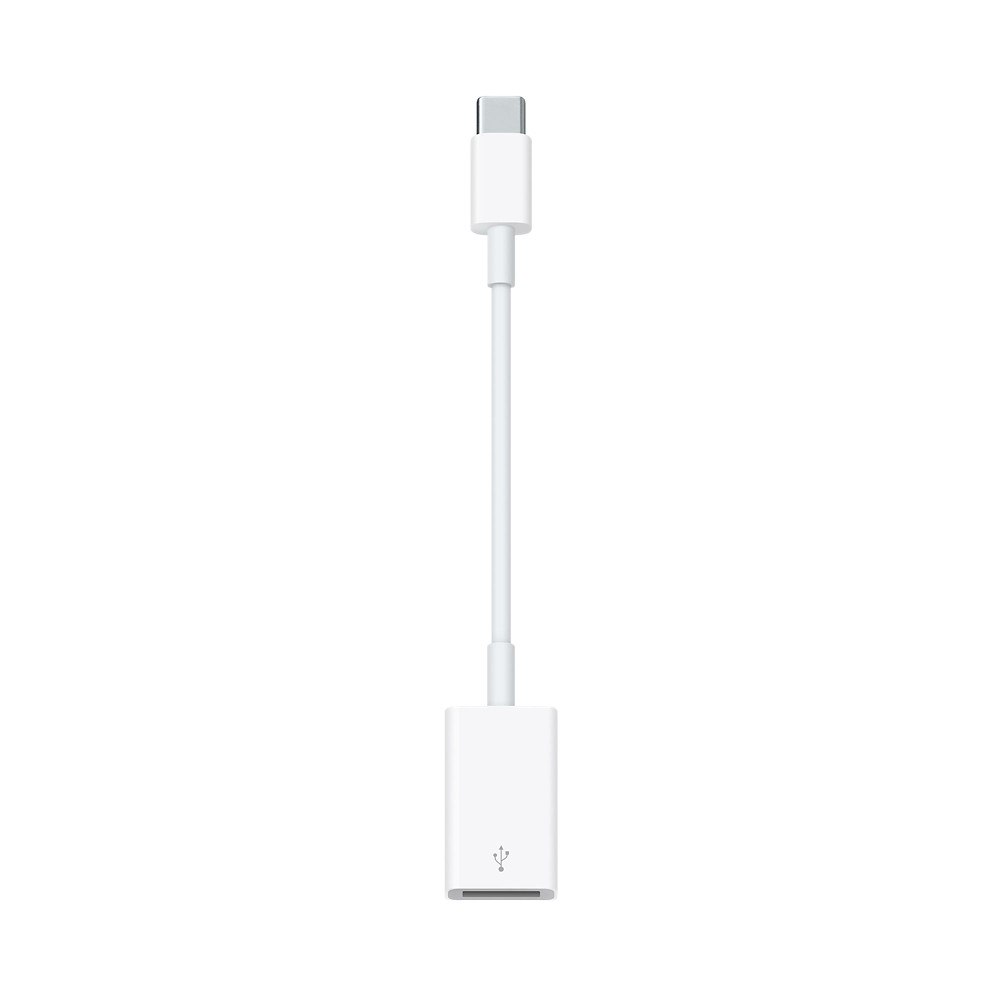
Genuine Apple USB-C to USB adapter iPhone

Genuine Apple adapter — required for iPhone

iPhone 15 and newer (USB-C): Apple's USB-C to USB adapter (pictured). Older iPhones (Lightning): Apple's Camera Adapter. Only iPhone needs an Apple adapter.

⚠️ Buy the genuine Apple one. Cheap copies look identical but silently drop the tuning data Maqam sends — we learned this the hard way.

Keyboards with only round 5-pin MIDI

Older keyboards without a USB-MIDI port need one converter between USB and the round MIDI sockets.

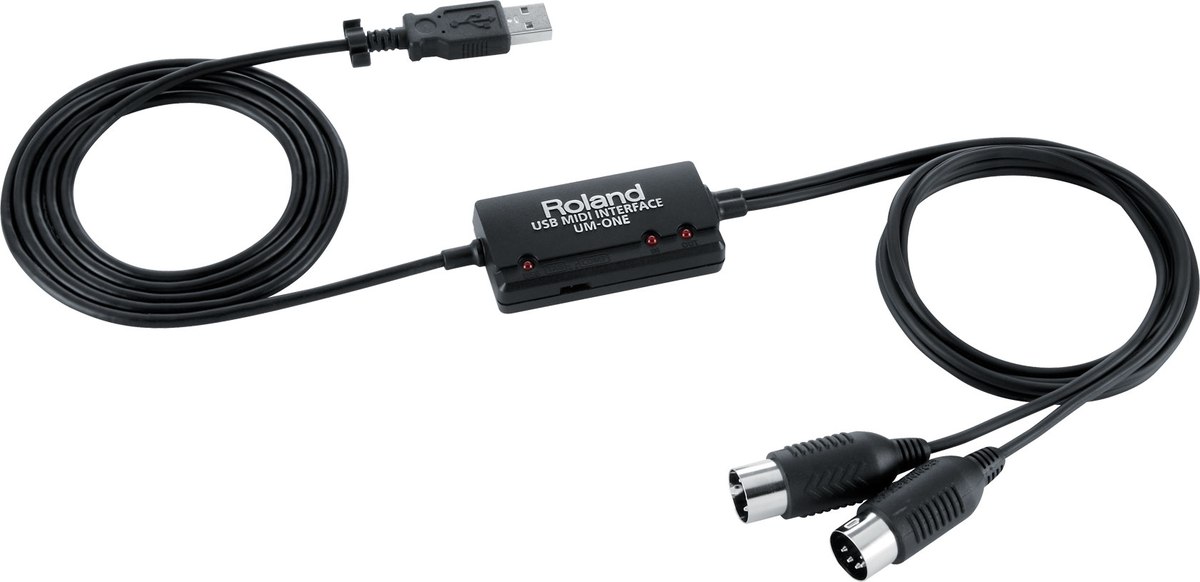
Roland UM-ONE mk2 USB to MIDI interface iPhone + Android

USB → MIDI interface (Roland UM-ONE mk2 recommended)

Converts USB to the round 5-pin MIDI plugs. Connect it to the phone through the USB-C hub (Android) or Apple adapter (iPhone) above.

⚠️ Avoid the cheapest no-name MIDI cables — many of them drop the tuning messages Maqam sends. The Roland UM-ONE mk2 is proven.